![Collective Minds_logo.png]](https://help.collectiveminds.health/hs-fs/hubfs/Collective%20Minds_logo.png?height=22&name=Collective%20Minds_logo.png)
How to Delete a Study from Your Institution List
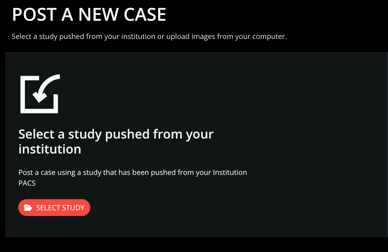
Step 1: Locate and select the desired study from the institution's study list.
Step 2: Click "Add study and continue" to make the selected case a draft.

Deleting the Draft Study
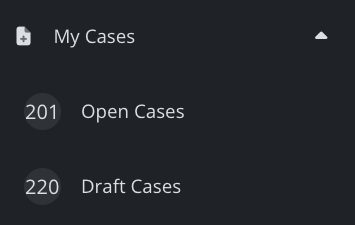
Step 3: Navigate to your My Cases > Draft Cases menu on the left side of the screen and locate the newly created draft case.
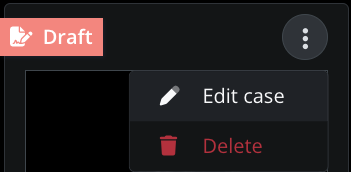
Step 4: Click on the case options (three dots) and select Delete
Step 5: Press OK to delete. Note: Deleted cases can be restored within 30 days.
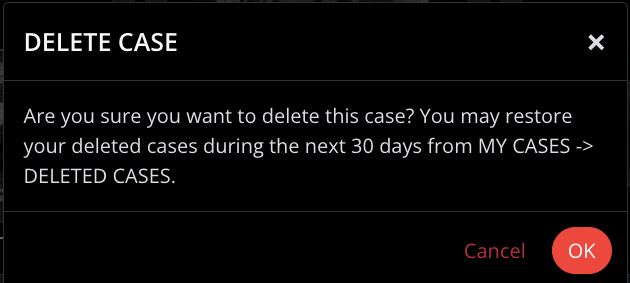
All your deleted cases can be found via the My Cases > Deleted Cases menu and restored to draft again via the case options button. Unrestored cases will be permanently deleted after 30 days.