![Collective Minds_logo.png]](https://help.collectiveminds.health/hs-fs/hubfs/Collective%20Minds_logo.png?height=22&name=Collective%20Minds_logo.png)
.png?width=670&height=476&name=Screenshot%202024-05-08%20at%2015.55.28%20(1).png)
Opening a New Case
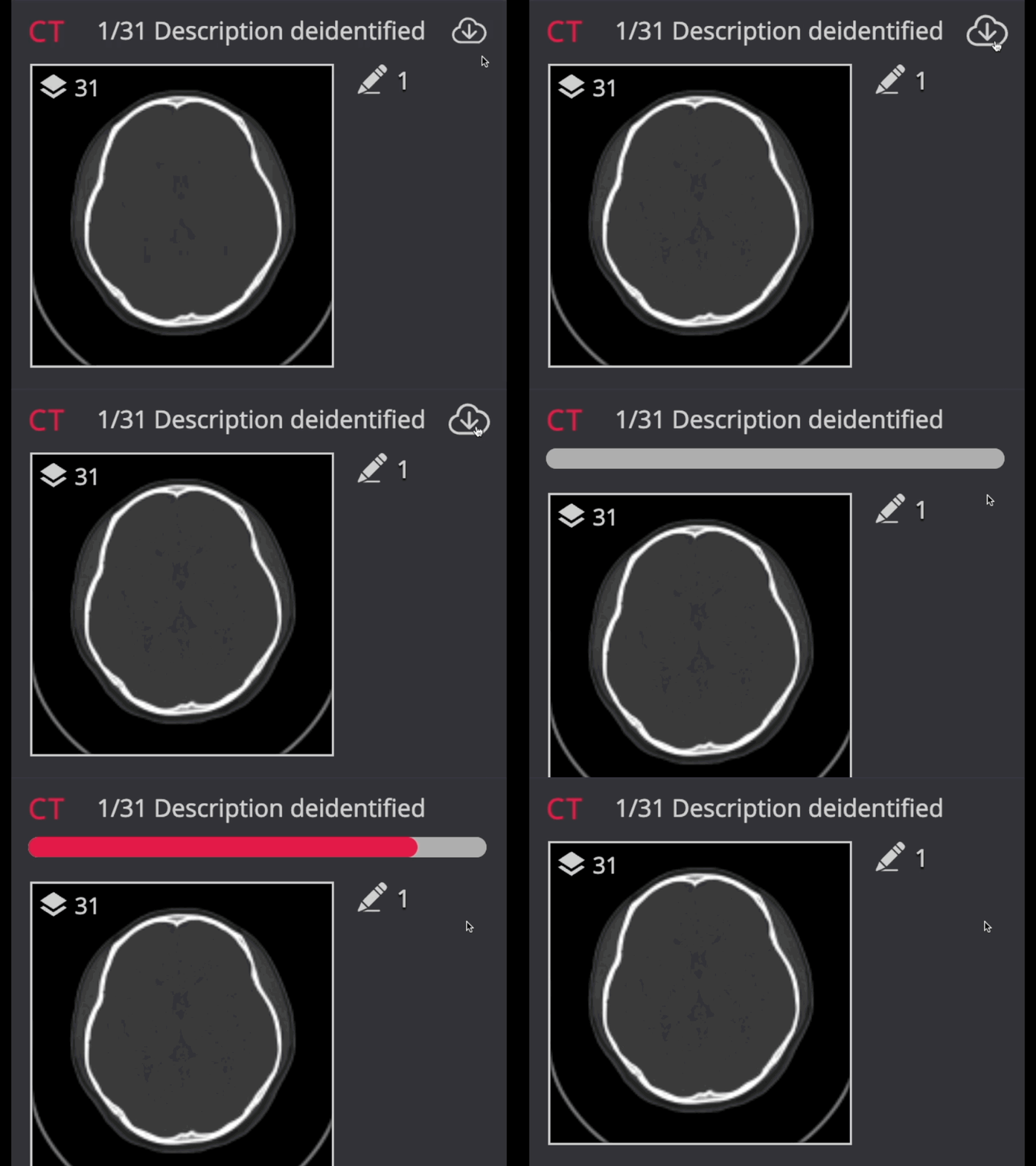
When you open a case for the first time in the DICOM viewer, there may be a slight delay (up to 1 minute) due to the system generating new thumbnails and processing the metadata structure. The length of the delay depends on the size of the datasets. To optimize future access, the system creates a cache, storing fully preloaded data and thumbnails.
Uncached Cases
To ensure a case is fully cached, preload the full case once. Preloading ensures that subsequent is much faster, as the data is quickly retrieved from the cache instead of being processed again.
Updating Cache
If the viewer cache is refreshed, it may experience a slight delay.
Tips
- Please be patient; the system will automatically display the images when they are ready, which may take up to 1 minute for large cases.
- Open your draft case DICOM viewer and preload the case in full prior to publication to ensure the viewing experience is as fast as possible.
- If presenting cases, make sure to preload each case in full prior to your session to maximize viewing performance.
- If your case fails to refresh or does not correctly generate thumbnail images, contact support@cmrad.com for further assistance.