![Collective Minds_logo.png]](https://help.collectiveminds.health/hs-fs/hubfs/Collective%20Minds_logo.png?height=22&name=Collective%20Minds_logo.png)
Preload Study
Preloading a study activates additional viewing functions and provides a smoother workflow, improved performance, and an overall more efficient review experience.
MPR – Multiplanar Reconstruction
Multiplanar Reconstruction (MPR) enables you to reformat volumetric datasets into different anatomical planes.
How to Open MPR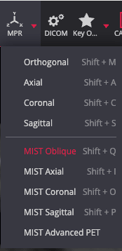
-
Tip: Start with the Axial CT Series using a 1×1 layout
-
Select MPR from the toolbar
-
Choose MIST Oblique or use the shortcut Shift + Q to enable
- Double Oblique Projections then possible to freely adjust two angles.
- Toggle viewports to best suit reconstruction
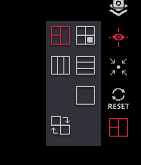
Viewport Toggle
- Switch between different MPR viewport layouts to best suit.
Double Oblique Projection MPR
- Use the green, red, and blue cross-hair lines to scroll, angle and refine regions of interest
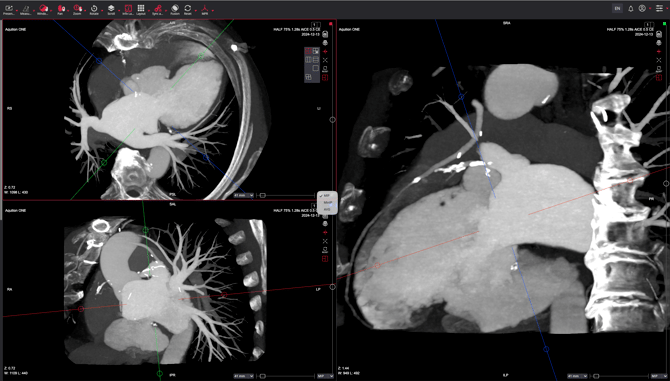
Options
-
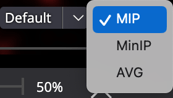
MIP (Maximum Intensity Projection) – highlights high‑density structures such as contrast-filled vessels
-
minIP (Minimum Intensity Projection) – enhances low‑density areas like airways
-
AVG (Average Intensity Projection) – blends voxel intensities for a smoothed representation
Thickness
Use the slider to adjust the thickness and refine the projection results. Thicker slabs increase structure visibility, while thinner slabs preserve fine detail.