![Collective Minds_logo.png]](https://help.collectiveminds.health/hs-fs/hubfs/Collective%20Minds_logo.png?height=22&name=Collective%20Minds_logo.png)
Helpful Shortcuts
- CT Lung Window: Press
4to activate the CT Lung (air) window. - CT Abdomen Window: Press
2 - Measure Tool > Line: Shortcut =
D; useEto erase measurement. - Measure Tool > Ellipse: Shortcut =
Shift +E; useEto erase measurement. - MPR (Orthogonal) - Shortcut:
Shift + M.
Advanced Image Manipulation
Tip: first set viewport layout to 1x1
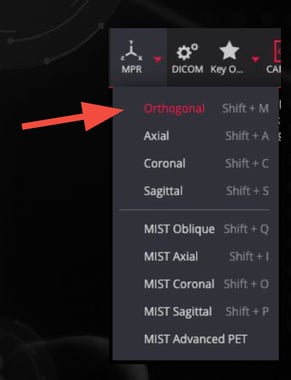
- MPR (Orthogonal): Select MPR > Orthogonal for 2D multi-planar reconstruction with Axial, Coronal, and Sagittal projections. Shortcut:
Shift + M.
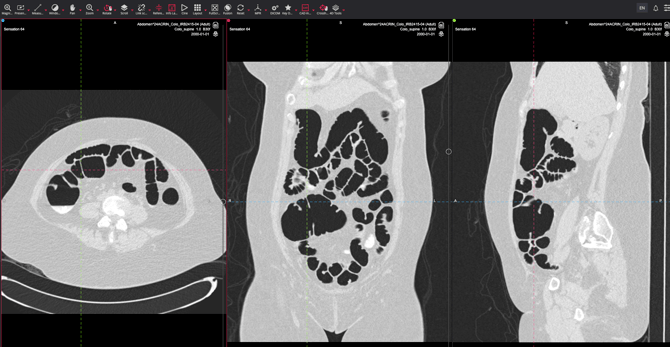

- Cross Hair Tool: Align views across multiple planes.
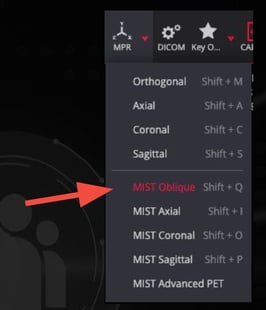
- MIST Oblique: Select MPR > MIST Oblique for further 3D manipulation.
Shortcut:Shift + Q.
Tip: first set layout to 1x1
Basic Navigation and Tool Access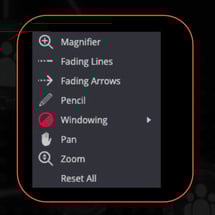
- Right Mouse Button:
- Tool Assignment: Click a menu tool with the left or right mouse button to assign function.
Scroll Speed and Performance
- Preload by Series: Click the cloud icon or drag a series
description into a viewport to boost performance.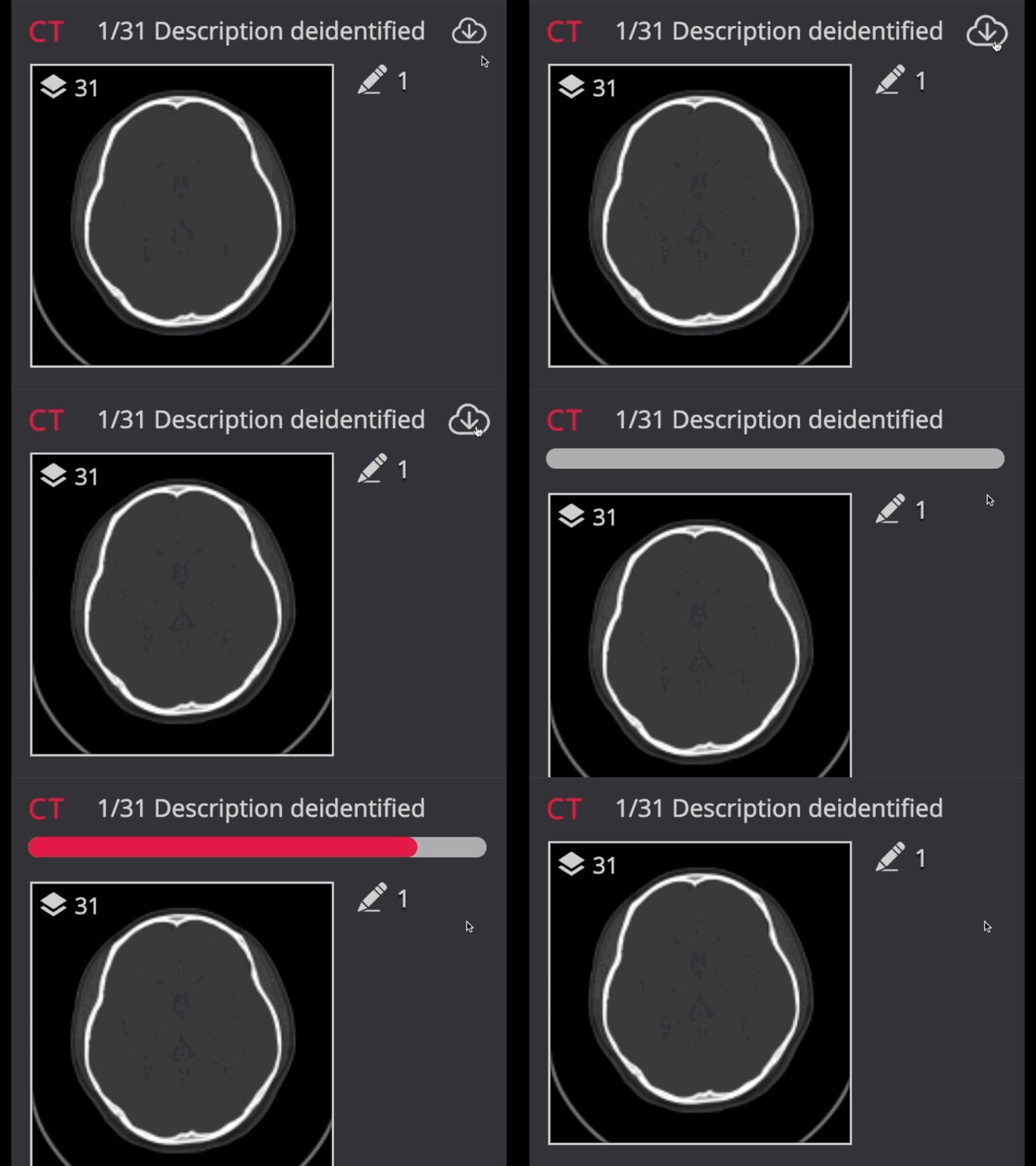
- Internet Speed: Ensure a connection of
>70+ Mbps.
Note: 3D SSD/VR is not available in the viewer, but DICOM studies maymayan be supplemented with PDF, PNG, JPEG, or MP4 videos.