![Collective Minds_logo.png]](https://help.collectiveminds.health/hs-fs/hubfs/Collective%20Minds_logo.png?height=22&name=Collective%20Minds_logo.png)
Example
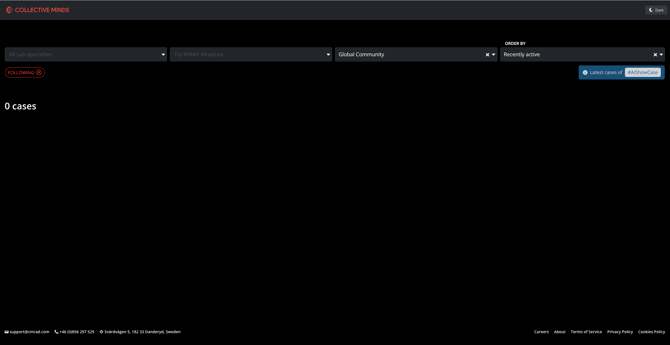
Option 1: Open a New Incognito Window 
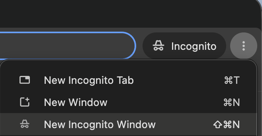
- Open Google Chrome.
- Click the three-dot menu in the top-right corner.
- Select New Incognito Window.
- Navigate to Collective Minds and log in again.
- Check whether the issue persists.
Option 2: Clear Cookies and Site Data
- Open Google Chrome and navigate to Collective Minds
- Click the site information icon next to the address bar
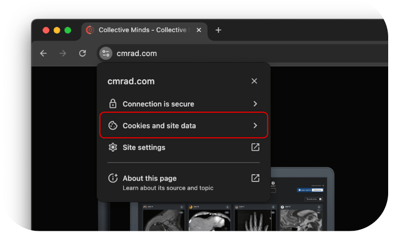
- Open Cookies and site data
- Select Manage on-device site data. (or the equivalent option to clear site data.
- Locate cmrad.com in the list of stored data.
- Click the trash bin icon (🗑️) next to the cmrad items to delete the associated cookies.
- Reload the page and log in again.
Click here for more detailed steps to clear cookies
- ⚠️ Clearing cookies and site data: This may sign you out of the platform, so you will need to log in again.
- 🌐 Google Chrome: Ensure you are using the latest version.
- 🖥️ Operating system: Ensure your OS is fully updated.
- 🛜 Internet speed: 70+ Mbps recommended. Test here
- 📩 Still having issues? Contact support@cmrad.com with a description or screenshot of the issue and the troubleshooting steps already completed.