![Collective Minds_logo.png]](https://help.collectiveminds.health/hs-fs/hubfs/Collective%20Minds_logo.png?height=22&name=Collective%20Minds_logo.png)
Image Manipulation
Basic Navigation and Tool Access
- Right Mouse Button: Right-click to access common tools quickly.
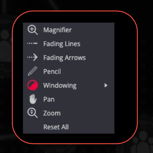
- Shortcuts:
- CT Bone Window: Press
3for the CT Bone view. - Tool Assignment: Click a tool with the left or right mouse button to assign its function.
- CT Bone Window: Press
Scroll Speed and 3D Performance
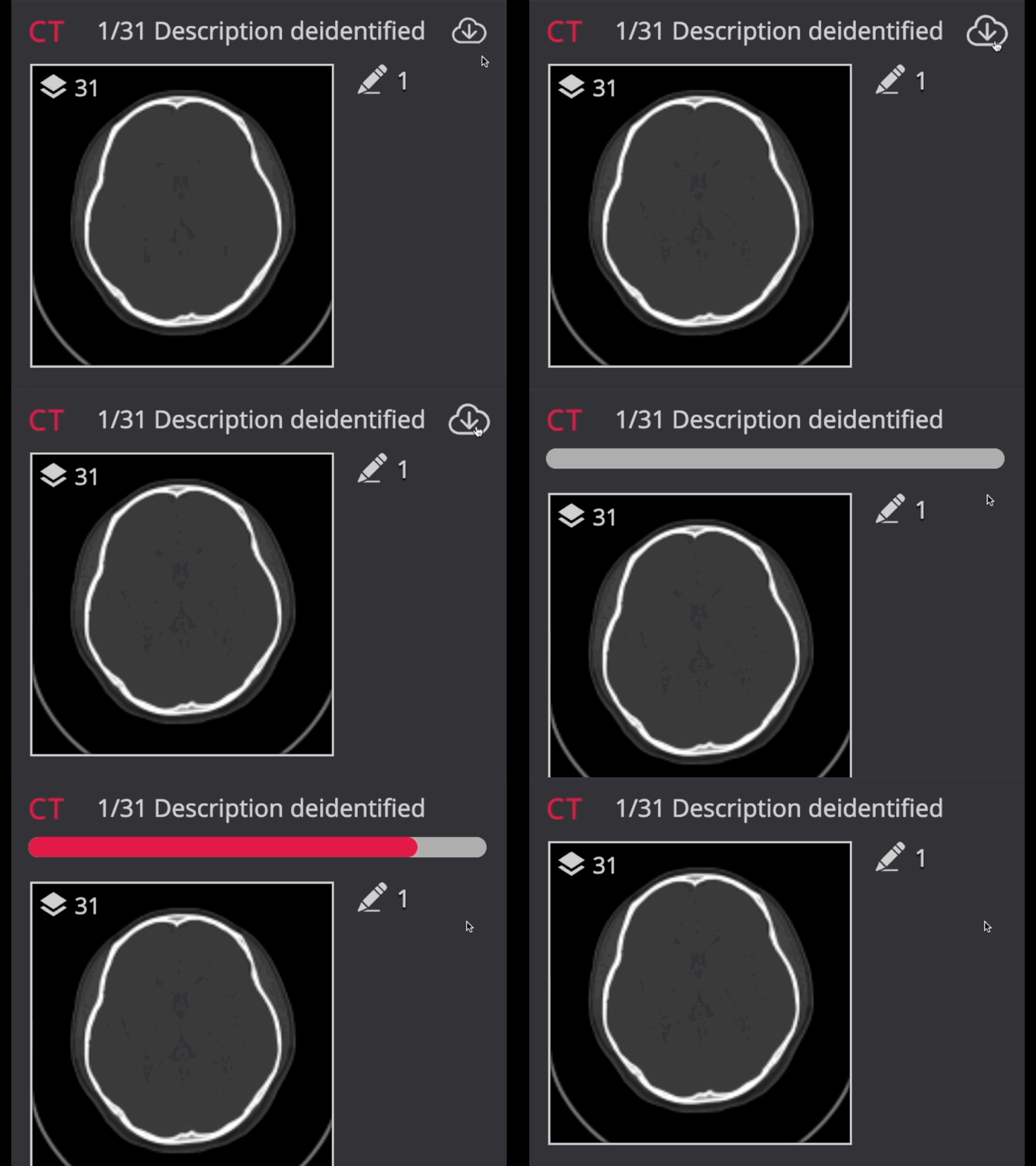
- Preload CBCT Images: Click the cloud icon to boost performance.
- Internet Speed: Ensure your connection is >30 Mbps for smooth operation.
- Scroll: Use the vertical scroll bar in the viewport for navigation.
- Select the menu tool
MPR > Dental MPR
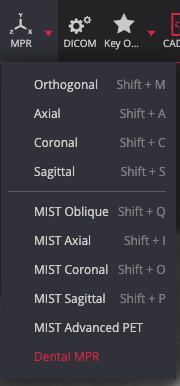
Curved MPR tool
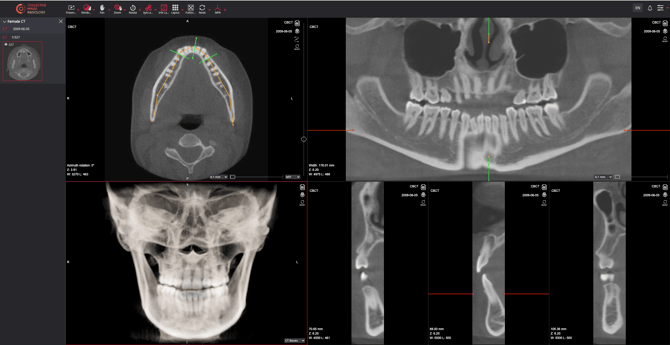
Scrolling Along the Teeth
- Click and drag the middle green reference line on the curved line in the top-left viewport.
Adjusting the Field of View
- Extend or minimize the green line to enlarge or reduce the field of view.